Prompt Diff Check — compare two system prompts
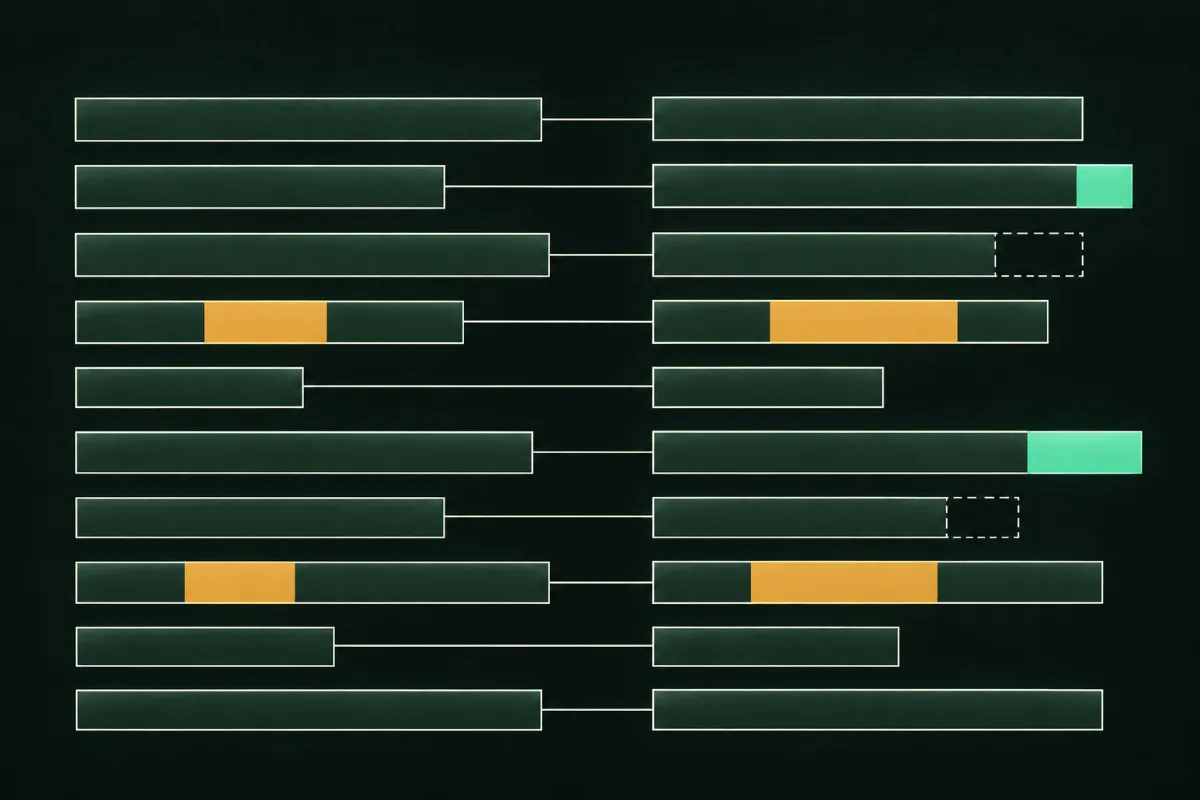
Paste the old and new versions of your system prompt. You see every added, removed and changed line side by side, with word-level highlights. Under the diff is a checklist of behaviours to re-test, based on simple rules about the words that changed. It answers the question to ask before a release: "I changed these lines. What must I test again?"
This tool runs only in your browser. Nothing you paste is sent or stored.
Compare your prompts
Paste your current prompt on the left and your new version on the right, then select Compare.
Diff
The two prompts are identical. Nothing to re-test from this change.
What to re-test
These suggestions come from fixed word rules, not from reading your prompt's meaning. Use them as a starting point and add your own.
How the re-test list is built
A rule fires when a changed, added or removed line contains one of its trigger words. Matching ignores upper and lower case.
- Refusalsrefuse, decline, never, must not, don't, do not, not allowed
- Policy wordingpolicy, rule, allowed, permitted, comply, legal
- Tone wordstone, friendly, formal, casual, polite, concise, empathetic, voice
- Handoff ruleshuman, agent, escalate, transfer, handoff, support team
- Money or order termsrefund, price, discount, payment, cancel, order
- Scopeonly, scope, topic, unrelated, off-topic
- Output formatformat, json, markdown, list, bullet, length, words
- Instruction protectionignore, instructions, system prompt, reveal, confidential
- AlwaysAny change at all: re-run your happy-path scenarios.
How to use your diff
- Run the check on every pull request that touches a prompt.
- Copy the re-test checklist into the pull request description.
- Re-run the matching scenarios from the Scenario Builder.
- Score the new conversations with the Transcript Review Scorecard before you merge.
Questions about Prompt Diff Check
How does it decide what to re-test?
By fixed word rules. For example, if a changed line contains "refuse", it suggests re-testing refusals. It doesn't interpret your prompt.
Does it work on long prompts?
Yes. Very long prompts may take a moment to compare, and the page stays usable while they do.
Are my prompts sent anywhere?
No. Both versions stay in this browser tab.
Can I compare other text, like tool descriptions?
Yes. The diff works on any plain text. The re-test rules are written for system prompts.
Next step
Want to hear what comes next?